20-20-20
Eye-break reminder you can't dismiss. Follows 20-20-20.
brew install --cask andreasnlarsen/tap/20-20-20
Questions
How do I start it?
Open it once after install. It starts at login from then on.
Why can't I skip a break?
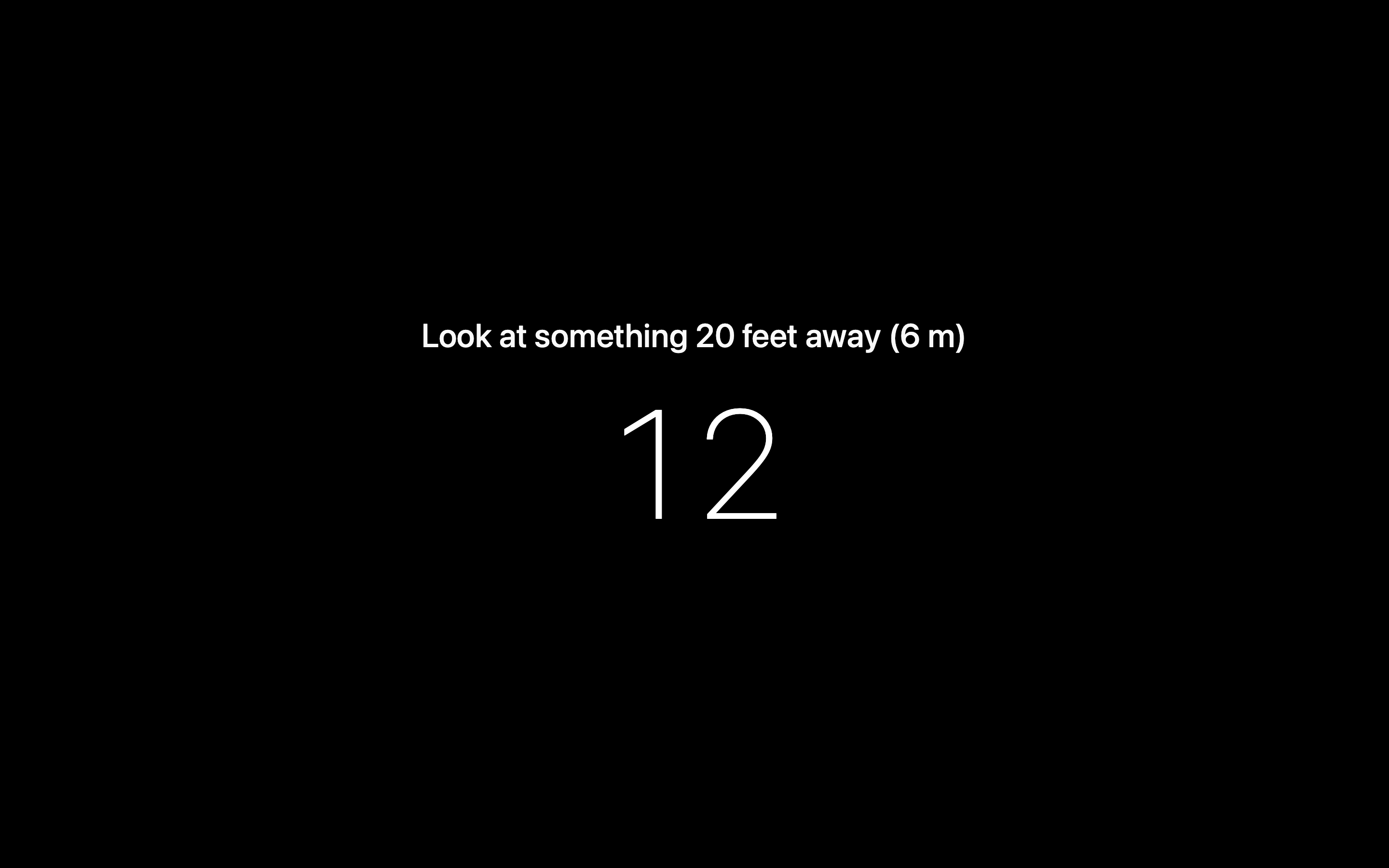
Skip buttons get pressed. So there's no skip, no snooze and no “Quit”.
What happens in a call or a demo?
Same as always. People watching your shared screen see it go dark.
Pause first with “Pause 30 min”, “Pause 60 min” or “Pause 120 min”. A pause starts and ends with a break.
What if I quit it?
No “Quit” in the menu. Kill it and macOS restarts it within a second. Uninstalling works.
Does the 20-20-20 rule work?
Eye doctors recommend it for tired eyes at a screen. The evidence is weak.
20-20-20 makes you look away. It can't check that you did.
When does it run?
Only during your work hours. Set them on first launch. Changes start the next day.
I want something gentler
Try Time Out, Stretchly or LookAway. They let you skip or postpone.
What does it need?
macOS 26 Tahoe or later. Apple silicon.
The eye is missing from my menu bar
A menu bar manager like Bartender hides new icons. Set 20-20-20 to always show.
Homebrew says “untrusted tap”
Run brew trust andreasnlarsen/tap once. Then install again.
How do I update or remove it?
Update with brew upgrade --cask 20-20-20, then open the app once.
Remove with brew uninstall --cask 20-20-20.